
Rujukan Laman

nak44 App for Malaysia on Android and iOS

VIP Roulette, Hand of Midas and Aviator load beside live tables and the mobile betslip in the nak44 app, with fingerprint entry and alerts that return you to…

Android appiOS appFingerprint loginPush alerts
nak44 nak44 App for Malaysia on Android and iOS
nak44 Your Malaysia Lobby Goes With You

Your Malaysia Lobby Goes With You

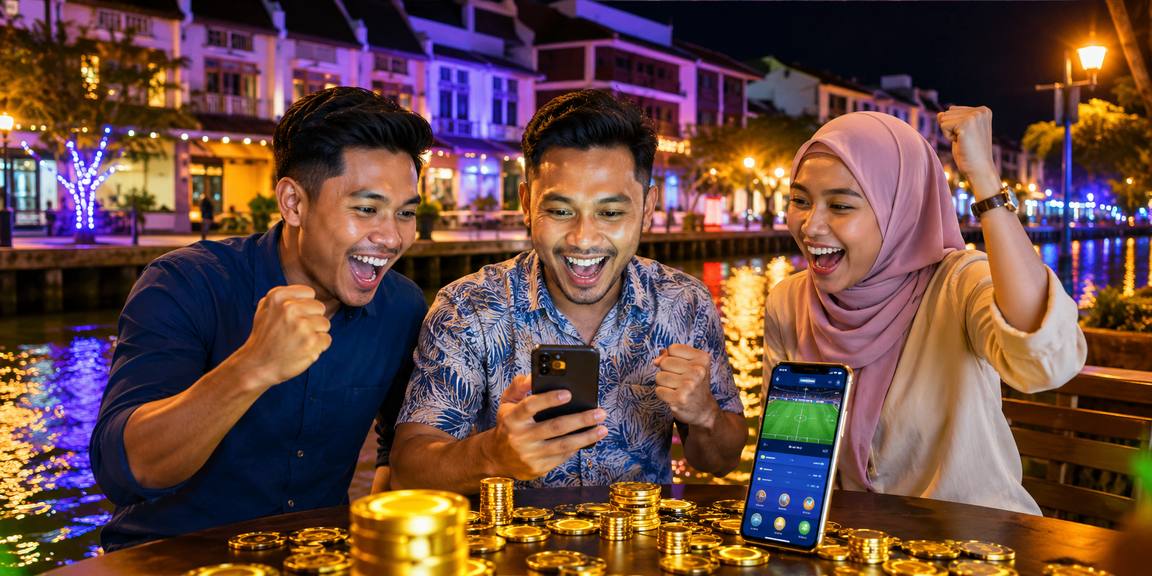
The nak44 app keeps slots, live tables and your sports betslip within one thumb-friendly layout. Push alerts can flag settled bets, table openings and account activity without filling your screen with unrelated messages. Fingerprint login shortens repeat entry, while the quick-deposit panel connects Touch 'n Go, GrabPay, Boost dan FPX. Live tables use an adaptive stream, and your unfinished betslip remains available

when you move between app screens.

  • Slots on demand — Open Hand of Midas, Wild Walker or Thunder Fishing from your saved game row, then return to the same lobby category without searching again.
  • Live table access — Enter VIP Roulette or Football Studio through a compact table list showing game status, available seats and stream quality before you open the table.
  • Mobile sports betslip — Add selections while browsing sports markets, check the combined slip from any screen and keep unsubmitted picks available during the same signed-in app session.

PHONE FIRST FEATURES

Phone Features Shaped for Malaysia

Each app control is arranged for short sessions and smaller screens. You can reach saved games from the opening row, adjust alerts by category and switch the interface to a darker theme at night.

01
Biometric entry Use fingerprint or face authentication after your first verified sign-in. Your phone handles the biometric check, while your nak44 password and recovery path remain separate inside the app.
02
Dark theme Change to a darker colour scheme from the app settings. The choice applies across the lobby, betslip, wallet and account screens without changing game graphics.
03
Push controls Choose alerts for account access, sports results, table availability or app updates. Individual categories can be switched off without disabling every message from the app.
04
Cached lobby Recently loaded game categories remain visible as a lightweight snapshot when reception drops. Opening a game, table or account action still waits for a secure connection.
05
Quick wallet Reach the in-app wallet without leaving your current lobby category. Touch 'n Go, GrabPay, Boost dan FPX appear after you choose an eligible account action.
06
Betslip hold Your unsubmitted sports selections stay together while you inspect another market or app screen. Odds are checked again before the app accepts your final instruction.
nak44 Install the App in Three Steps

Install the App in Three Steps

Begin from nak44.net on the phone that will hold the app. Android devices receive the signed APK path, while iPhone devices show the current iOS installation option. Read each system prompt before continuing, keep enough storage available and open the app only after installation finishes. Your existing account credentials work inside the new installation.

  • Choose your phone — Open the app page on Android or iPhone and select the matching download option shown for your operating system.
  • Approve the installation — On Android, permit installation from nak44.net when your phone asks. On iPhone, follow the iOS confirmation shown on screen.
  • Open and sign in — Launch the installed app, enter your account details and enable fingerprint or face entry if your device supports it.
DEVICE CHECK

Malaysia Phone Requirements for nak44

The download page checks your operating system before presenting an installation path. Android and iOS releases receive separate packages, so never move an installer from one phone type to another.

Auto-refresh hourly
nak44 Android version

Android version

92%

Android 8 or later is recommended for the current signed package and biometric entry.

nak44 iOS version

iOS version

97%

iOS 14 or later is recommended for current app screens, alerts and account tools.

nak44 Memory

Memory

96%

A phone with at least 2 GB RAM is recommended for live streams and game switching.

nak44 Storage

Storage

95%

Reserve at least 150 MB for installation, cached lobby images and later app updates.

nak44 Supported region

Supported region

94%

Malaysia access and eligibility depend on local law, and service is available where local law permits.

RTP percentages are informational reference values from provider documentation. Actual session outcomes vary.

SCREEN BY SCREEN

Tour the nak44 App Screens

The opening screen places your recent games above clear routes to slots, live tables and sports.

Recent games row
Live lobby snapshot
Quick sports betslip
Account access
Saved slot titles
Wallet status
nak44 mobile gaming
Google Play App Store
APP HELP DESK

App Help When You Need It

If an installation stalls or a screen does not load, support can inspect the app version, phone system and connection details you provide.

In-app chat Open chat from the account tab to report loading, alert or biometric issues. The app includes its version and device type when you approve sharing those details.
Email case Use the email form inside the help screen for an issue that needs screenshots. Include your phone model, operating system and the step where the error appears.
Install help Choose installation help before signing in to see Android permission checks, iOS confirmation steps and actions for clearing an incomplete download from your phone.
INSTALL CONFIDENCE

Why the nak44 Install Stays Yours

App security begins with the source of the installation file and continues through every signed-in session. We distribute Android packages through nak44.

Signed Android package

The Android installer carries a digital signature that allows your phone to detect an altered package.

First-party source

Start every app download from nak44.net. We do not ask you to collect APK files from chat groups, file mirrors…

Separate recovery

Fingerprint access does not replace account recovery. If you change phones or lose biometric access, the app returns you to…

Protected sessions

The app closes inactive authenticated sessions and may request your password again before sensitive account changes.

Local biometrics

Fingerprint and face data remain under your phone's biometric service.

Update integrity

Update checks compare the installed release with the package offered through our app page.

App and Mobile Browser Compared

Both routes connect to the same account, but the installed app adds phone-level controls that a browser tab cannot always retain.

Opening the lobby
The app launches from your home screen and restores its main navigation. A browser requires you to open nak44.net and may reload the page.
Signing in
The app can use phone biometrics after your verified first entry. Browser access normally relies on your account credentials and the browser's own session controls.
Receiving alerts
App alerts can be selected by category and appear through your phone settings. Browser messages depend on browser permissions and may stop after tabs are closed.
Holding a betslip
The app keeps unsubmitted selections during movement between its sports screens. A browser refresh can clear temporary choices, depending on session and device behaviour.
Returning to games
Saved titles and recent categories sit on the app opening screen. Browser access can reach the same games but may require fresh navigation after session expiry.
Using phone storage
The app stores its package and selected cached assets on your phone. Browser access uses temporary site data and does not require a separate installation.

Questions About the nak44 App

Before downloading, check that your phone has current security updates, enough storage and a connection that can complete the installer. The answers below cover Android installation, iPhone access, biometric entry, alerts, wallet actions and app updates. If your screen differs from the steps shown, use the help button on the app page and share your phone model without sending passwords or verification codes.

Begin at nak44.net on your Android phone or iPhone. The app page detects the operating system and presents the matching installation path without sending you to an unrelated file source.

Yes, when an iOS installation option is available for your device and region. Open the app page in your iPhone browser and follow the current system confirmation shown there.

Android may require permission before installing a signed APK obtained outside its default store. Approve only the package reached through nak44.net, then remove that permission after installation if preferred.

No. Biometric entry shortens repeat access on your phone, but your password and verified recovery process remain active. A new device or security change can require full credentials again.

Yes. Open app settings to select account, sports, table or update alerts individually. You can also change notification permission through Android or iOS settings whenever you choose.

Eligible accounts can reach Touch 'n Go, GrabPay, Boost dan FPX from the app wallet. Deposits often confirm quickly, while withdrawals remain subject to account and identity verification.

Device compatibility and network quality vary, while access and eligibility depend on local law. The app is available where local law permits and may check region status during entry.